Solar Installer Google Maps Local Seo
Step 1: Complete Your Google Business Profile (Every Field Matters)
Start with the basics. An incomplete profile is a ranking disadvantage.
Go to business.google.com and check every section:
Business name: Use your actual business name — don't keyword-stuff it ("Solar Panels Sydney — Best Prices"). Google penalises this.
Category: Your primary category should be "Solar Energy Contractor" or "Solar Energy Equipment Supplier". Add secondary categories: "Electrician", "Energy Equipment Supplier".
Service area: List every suburb you service. Don't just put your city — add the surrounding suburbs specifically. If you service the northern suburbs of Brisbane, list Chermside, Stafford, Aspley, McDowall, Everton Park individually.
Business hours: Keep these accurate and up to date. If you're closed Sundays, say so. An "always open" profile that doesn't answer looks bad.
Services: List every service with a description — solar panel installation, battery storage systems, solar hot water, EV charger installation, system health checks. Use the keywords your customers search.
Business description: 750 characters. Lead with your suburb, your specialty, and your point of difference. Include the keywords "solar installer", "solar panels", and your primary suburbs naturally.
Phone number and website: Make sure these are consistent with every other directory listing (True Local, Yellow Pages, hipages). Inconsistent NAP (name, address, phone) hurts local rankings.
Step 2: Photos — Volume and Variety
Google rewards active profiles. Photos are the easiest signal you can control.
Most solar businesses have 10–15 photos. The businesses dominating local search have 50–100+.
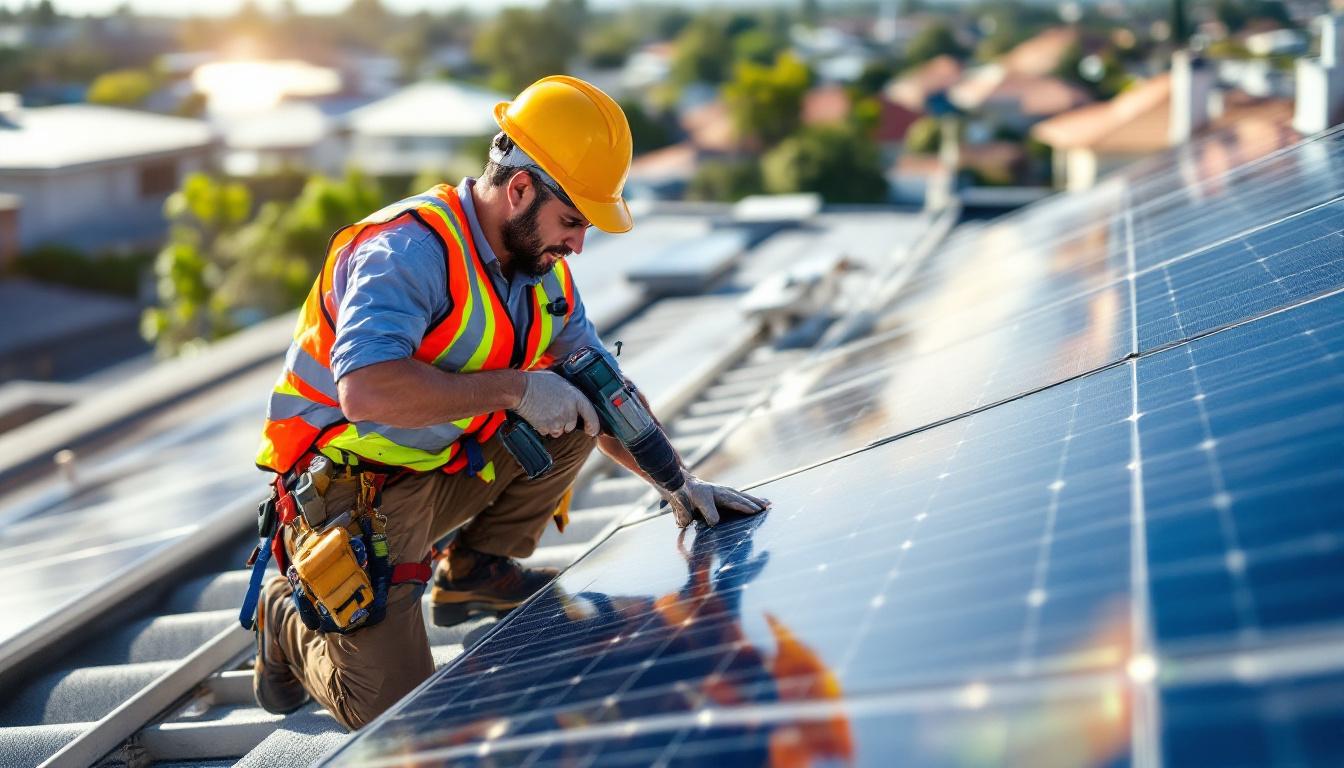
What to upload: - Completed installation photos (rooftop shots, panel close-ups, inverter and battery installs) - Team photos on the job - Before/after shots - Interior photos of your office or showroom if you have one - Certificate and accreditation photos - System completion photos with the customer (with permission)
Upload new photos consistently — monthly at minimum. Google tracks how recently a business has been active on their profile.
File naming: Before uploading, rename photo files with descriptive names: solar-panel-installation-chermside-brisbane.jpg instead of IMG_4523.jpg. This helps with image search indexing.
Step 3: Select the Right Categories
Your primary and secondary categories tell Google what your business does. Wrong categories mean showing up for the wrong searches — or not showing up at all.
Recommended category setup for solar installers:
- Primary: Solar Energy Contractor
- Secondary: Electrician
- Secondary: Green Energy Supplier
- Secondary: Energy Equipment Supplier (if you sell batteries, EV chargers)
Don't use too many secondary categories — it dilutes your primary relevance signal. Stick to 3–4 total.
Step 4: Google Q&A — Seed It Yourself
The Q&A section on your Google Business Profile is often ignored. It shouldn't be.
Google lets anyone ask questions — and anyone can answer them, including you. You can also post questions yourself and answer them. This is a legitimate way to get keyword-rich content into your profile.
Add these questions proactively:
- "How long does a solar installation take?" → "Most residential installations take 1–2 days from start to finish..."
- "Do you install solar batteries?" → "Yes, we install..."
- "Are you Clean Energy Council accredited?" → "Yes, all our installers are CEC accredited..."
- "Which suburbs do you service?" → "We service [list suburbs]..."
- "What warranties do you offer?" → "We offer..."
Answer clearly and completely. Use suburb names and service terms naturally in your answers.
Step 5: Review Velocity — The Real Ranking Factor
Review volume is the single biggest controllable factor in Google Maps rankings. Not just total reviews — recency matters too. An installer with 40 reviews, 30 of them from this year, will outrank one with 60 reviews if the last review was 18 months ago.
The manual way: Ask every customer at job completion for a review. Hand them a card with a QR code. Most businesses do this. Most forget half the time.
The Kabooyaa way: When you mark a job complete in the system, an automated SMS goes to the customer within 24 hours:
"Hi [Name], thanks for choosing [Business Name] for your solar installation. We'd love to know how it went — could you spare 2 minutes to leave us a Google Review? [link] — [Your Name]"
That message goes out to every customer, every time, without you doing anything. The review link is direct — one tap takes them straight to the review page, no searching required.
90-Day Review Growth Plan
If you're starting from under 20 reviews, here's a realistic 90-day plan:
Month 1 — Foundation (Days 1–30) - Complete your Google Business Profile fully (every field) - Upload 20+ photos - Add 5–7 Q&A entries - Set up Kabooyaa review automation for all future jobs - Manually email or SMS every customer from the last 12 months asking for a review (personalise each one)
Month 2 — Build (Days 31–60) - New reviews coming in automatically from completed jobs - Upload 5–10 new job photos - Respond to every review — positive and negative. Google rewards engaged businesses. - Check for inconsistent NAP across directories and fix them
Month 3 — Compound (Days 61–90) - You should have 15–30 new reviews if you're doing 5–10 jobs per month - Add service posts to your Google Business Profile (Google Posts appear in search results) - Check your ranking for "[solar installer] [suburb]" searches — you should be moving up - Run a segment of past customers from 2–3 years ago through Kabooyaa for a re-engagement check-in
Common Google Maps Mistakes Solar Installers Make
Keyword stuffing the business name: "Sunshine Solar Panels Cheap Solar Brisbane" will get your listing suspended. Use your actual business name only.
Not responding to negative reviews: A bad review with no response looks worse than a bad review with a professional, calm reply. Respond to everything.
Inconsistent address formats: If your street address is "4/22 Trade Street" on Google and "Suite 4, 22 Trade Street" on Yellow Pages, Google's confidence in your location data drops. Standardise across every directory.
Ignoring the Google Business Profile app: Post monthly. Share photos of recent jobs. It signals an active, relevant business.
FAQ
How long does it take to rank on Google Maps for solar installation searches?
With a fully optimised profile, consistent new reviews, and active posting, most solar businesses see meaningful ranking improvements within 60–90 days. High-competition suburbs may take longer. Review velocity is the fastest lever.
How many reviews do I need to rank in the Google Maps top 3?
It depends on your suburb. In most regional areas, 20–40 reviews with a 4.5+ rating is competitive. In major metro suburbs, you may need 60–100+. Check what the current top-3 businesses have in your area and target 20% more.
Can Kabooyaa automate Google Review requests for solar businesses?
Yes. Kabooyaa sends automated SMS review requests when a job is marked complete. The message includes a direct link to your Google Review page. No manual action required after setup.
Should I respond to all Google Reviews?
Yes. Responding to reviews — especially negative ones — signals professionalism to potential customers and shows Google that you're an active, engaged business. Keep responses calm, factual, and brief.
Does having more photos improve Google Maps ranking?
Yes. Photo volume and recency are Google Business Profile signals. Businesses with 50+ regularly updated photos consistently outperform those with 10 static images.
Start This Week
Pick one thing from this guide and do it today. Complete your service area suburbs. Upload 10 job photos. Add three Q&A entries.
Then set up your review automation so every future customer gets asked — without you having to remember.
Ready to automate your Google Review requests? Start at kabooyaa.com.au and have it running before your next installation.


