Why Every Tradie Needs Online Booking in 2026 (And How to Set It Up)
Australian tradies who still rely entirely on phone calls for bookings are losing work every day — not to better tradespeople, but to ones who make it easier to book. Online booking for tradies in Australia is now a baseline customer expectation, and the numbers back it up: more than 60% of service bookings happen outside business hours when no one is answering the phone. If you do not have a way to capture those bookings automatically, they go to someone who does.
Here is why it matters and exactly how to set it up.
The Problem With Phone-Only Booking
Think about when customers actually search for a tradie:
- Tuesday night after coming home to a leaking tap
- Sunday morning when the hot water system fails
- During their lunch break when they finally decide to book that bathroom reno
- After 9pm when they remembered the pergola quote they said they would chase up
None of these are business hours. A customer who searches for a plumber at 9:30pm on a Wednesday has three options: call and leave a voicemail, send an email and wait, or go to the competitor who has a "Book Now" button that lets them lock in a time immediately.
They will almost always take the path of least resistance.
What Online Booking Actually Means for Tradies
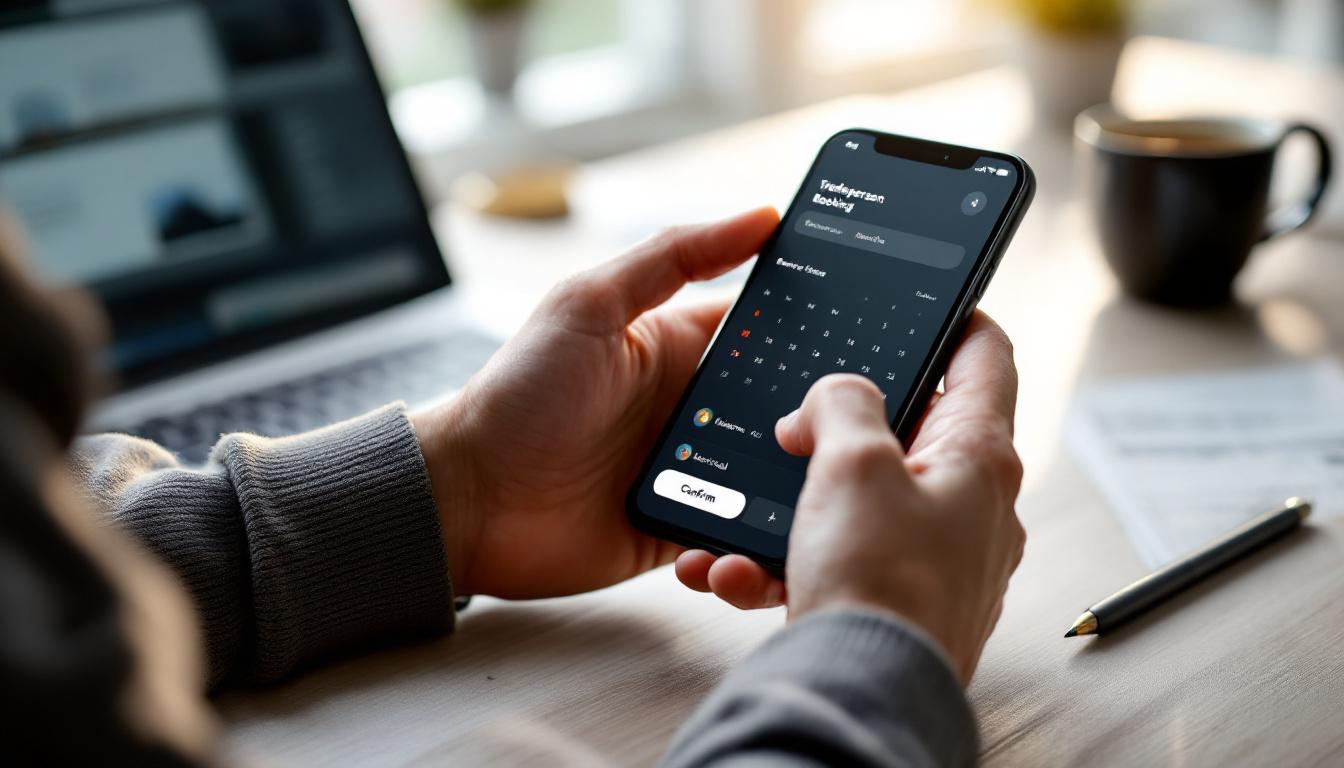
Online booking is not just a calendar widget on your website. Done properly, it is a full system:
- The booking page: A page where the customer selects a service, picks a date and time, and enters their details
- Automatic confirmation: An instant SMS and email confirmation so the customer knows their booking is real
- Reminder messages: Automated SMS reminders 24 hours and 1 hour before the job — dramatically reducing no-shows
- Back-of-house notification: The job appears in your calendar and CRM automatically, no manual entry
- Follow-up after the job: An automated message asking for a review once the appointment is marked complete
When all of this works together, you are booking jobs around the clock without lifting a finger.
How Much Money Are You Losing Without It?
A conservative calculation for a tradie getting 5 after-hours enquiries per week:
- 5 after-hours enquiries per week
- 60% do not leave a voicemail or send a follow-up email (they move on immediately)
- 3 enquiries per week effectively lost
- At an average job value of $400, that is $1,200/week in lost revenue
- $62,400/year in missed work — from after-hours enquiries alone
Even if the real number is half of that, you are looking at $30,000+ per year in work that walked out the door because you were not available to capture it.
Types of Booking Systems for Tradies
Not all booking systems are built the same. Here is how the main options compare:
| Type | Best for | Cost | Limitations |
|---|---|---|---|
| Simple calendar link (Calendly, etc.) | Basic appointment booking | Free–$20/month | No CRM, no follow-up, no integrations |
| Job management software with booking | Tradies with more complex scheduling | $50–$150/month | Often US-built, limited automation |
| Full CRM with booking built in (Kabooyaa) | Trade businesses wanting booking + automation + CRM in one | AUD-based plans | Requires setup time |
| Custom website booking form | Businesses with web developers | $0–$300+ setup | Usually no automation without extra tools |
For most Australian trade businesses, the right answer is an integrated system where the booking connects directly to your CRM, your calendar, and your follow-up automation — not a standalone booking widget that sits in isolation.
Step-by-Step: How to Set Up Online Booking
Step 1: Define What You Are Booking
Before you build anything, be clear about what customers are booking:
- Specific services: Split the booking page by service type — a "book a quote" for larger jobs, "book a service" for routine maintenance
- Time slots: How long is each job type? Set realistic appointment durations.
- Service area: If you only service certain suburbs, configure the system to either ask the customer's postcode or note it on the booking form
- Lead time: How far in advance can customers book? Set minimum and maximum booking windows.
Step 2: Set Up Your Calendar
Connect the booking system to your working calendar. Block out: - Existing booked jobs - Travel time between jobs - Your lunch break and admin time - Any days you are unavailable
The system should only show customers genuinely available time slots. Overbooking because of a calendar sync issue is worse than no online booking at all.
Step 3: Create the Booking Page
Your booking page needs: - Clear service options (drop-down or radio button) - Name, phone number, and email fields - Address field (for on-site jobs) - Brief job description (text field — ask them to describe what they need) - Date and time selector showing only available slots - Clear confirmation of what happens next ("We will confirm your booking within 2 hours" or "Your booking is confirmed — you will receive an SMS shortly")
Keep it simple. Every extra field reduces completions. Ask only what you genuinely need.
Step 4: Set Up Automated Confirmations and Reminders
The moment a booking is submitted, the customer should receive: - An instant SMS: "Hi [Name], your booking with [Business] is confirmed for [Date] at [Time]. We'll see you then. Any questions, call us on [number]." - An instant email confirmation with the same details and any preparation notes
Then set automated reminders: - 24 hours before: SMS reminder with address confirmation and any preparation notes - 2 hours before: Optional SMS reminder for early-morning or same-day bookings
These reminders reduce no-shows by 30–50% in most service businesses. That is real money — a no-show for a $600 job costs you that job plus the opportunity cost of the filled time slot.
Step 5: Set Up Post-Job Follow-Up
Once you mark the job as complete in your system, an automated message should go to the customer:
- Immediately: "Hi [Name], thanks for having us out today. We hope everything looks great. If you have 2 minutes, a Google review would mean a lot to us: [link]"
- 3 days later (if no review): A gentle follow-up
This is the single fastest way to build your Google review count consistently. Kabooyaa automates this workflow — you mark the job done, everything else happens automatically.
Common Tradie Online Booking Mistakes
Making people call to confirm the booking: If the customer has to call you to confirm, you have removed the entire benefit of online booking. Confirmations should be automatic.
Not syncing with your actual calendar: If your online booking system does not reflect your real availability, you will end up with double bookings or booking slots when you are already committed elsewhere.
No mobile optimisation: Most customers will book on their phone. If your booking page requires pinching and zooming to complete, they will give up.
Asking too much information upfront: Name, phone, email, address, and job description is enough. Licence numbers, insurance details, and full scope documents can come later. Get the booking first.
No integration with your CRM: A booking that does not flow into your CRM means you are manually entering details — which defeats the purpose. Every job should appear automatically in your contact database.
Frequently Asked Questions
Do Australian customers actually use online booking for tradies? Yes, and the adoption rate has increased significantly since 2020. Customers who have experienced instant online booking for dentists, mechanics, and other services now expect the same from tradies. Businesses offering online booking consistently report higher conversion rates from enquiries, particularly from customers under 45.
What happens if a customer books online but the job turns out to be bigger than expected? The online booking captures the initial appointment — the tradie still assesses the full scope on arrival. Online booking is best positioned as "book a quote" or "book an inspection" for larger jobs, or "book a service" for defined, regular tasks like air conditioning servicing or safety inspections.
Should I let customers book emergency jobs online? For true emergencies (burst pipes, electrical faults), most customers will call. Online booking is best suited to planned work. However, you can offer an "urgent job" option on your booking page with a note that you will call them back within 30 minutes to confirm availability.
How do I handle deposits for online bookings? Most booking systems can collect a deposit at the time of booking via a payment integration. This is strongly recommended for residential jobs over $500 — it confirms commitment and funds your materials. Customers who are not serious will not leave a deposit.
Will online booking replace phone calls entirely? No — and you do not want it to. Phone calls are valuable because they allow you to qualify the job, build rapport, and upsell additional services. Online booking handles the after-hours enquiries and routine bookings that you would otherwise miss, while phone calls handle complex or high-value enquiries. The two complement each other.
Online booking is the first piece of the automation puzzle. Kabooyaa gives Australian trade businesses a complete system — online booking, automated confirmations, reminders, follow-up, and Google review collection — all connected to a CRM that tracks every customer and every job. See how it works for your trade.


