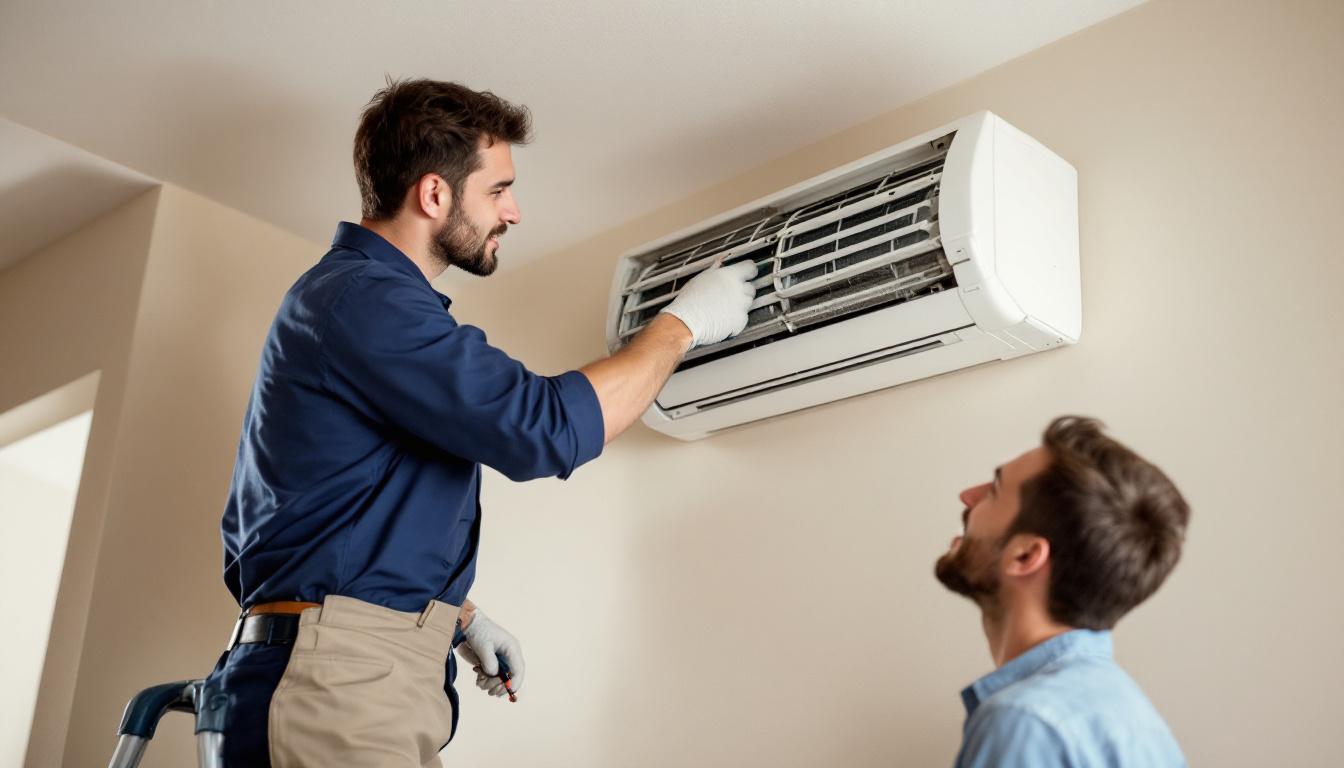
How to Manage HVAC Service and Maintenance Reminders Automatically
HVAC businesses sit on a recurring revenue opportunity that most of them are not fully capturing. Every unit you install, every system you commission, every seasonal service you complete represents a client who should be hearing from you again in 6 to 12 months — but probably is not, because nobody on your team remembered to send the reminder. Automated HVAC service reminders change that entirely. Set up correctly, the system tracks every client's last service date, fires reminders before the next one is due, and runs pre-season campaigns that fill your schedule weeks before the rush hits.
This guide covers how service reminder automation works for HVAC businesses, how to structure pre-season campaigns, and how to build a recurring maintenance revenue stream that does not depend on your clients remembering to call.
For the full picture on CRM and automation tools built for HVAC businesses, see our complete CRM guide for HVAC businesses in Australia.
The Recurring Revenue Problem HVAC Businesses Have
An air conditioning unit needs a service every 12 months. A ducted system needs filter cleaning every 6 to 12 months. A commercial HVAC system has a maintenance schedule tied to the manufacturer's warranty and OH&S requirements. This is not optional — it is built into the product lifecycle.
The problem is that clients do not track this themselves. They know the unit needs a service at some point. They intend to book it. Life gets busy and they do not get around to it until the system fails during a heatwave — at which point they call you, or they call whoever comes up first on Google.
An HVAC business that proactively reminds clients when their service is due captures most of this recurring revenue. One that waits for clients to call in misses a significant portion of it.
The numbers are meaningful. If you have 200 installed and serviced clients, each paying $150 to $300 for an annual service, the potential recurring revenue from this client base alone is $30,000 to $60,000 per year. Without proactive reminders, you might capture 40 to 50 percent of that. With automated reminders, you capture 70 to 80 percent.
How Automated Service Reminders Work
Automated service reminders are triggered by the last service date recorded in your CRM. When a job is marked complete, the date is logged against the client's record. The system then calculates when the next service is due — 12 months, 6 months, or based on the specific maintenance schedule you define — and fires a reminder message automatically.
The reminder sequence typically looks like this:
6 weeks before due date — first reminder. "Hi [Name], your [unit/system type] at [address] is due for its annual service in about six weeks. We're booking ahead now for [month] — reply here or call us to lock in your spot."
3 weeks before due date — second reminder. "Hi [Name], just following up on your upcoming air conditioning service — we have a few slots left in [month]. Would [date options] work for you?"
1 week before due date — final reminder. "Hi [Name], your service is due next week and we have limited availability. Confirm your booking by replying here."
After due date (if not booked) — re-engagement message. "Hi [Name], your air conditioning service was due this month. We'd hate for the summer rush to catch you without a service — we have a few spots left. Reply to lock one in."
Each message is short, direct, and actionable. The client can reply to confirm, suggest a different time, or ask a question. All replies land in your CRM inbox.
Pre-Season Campaigns: Filling Your Schedule Before the Rush
The most valuable time to send service reminders is not when the service is overdue. It is six to eight weeks before the season peaks.
In Australia, the demand pattern for HVAC is predictable:
Pre-summer (September to November) — cooling system services spike as clients prepare for the heat. The tradie who reminds their clients in September books out their schedule before October arrives.
Pre-winter (April to May) — heating system services and ducted gas checks drive demand as temperatures drop. Again, the early reminder wins.
Most HVAC businesses wait for clients to call when their system fails or when they finally remember to book. The businesses filling their schedules in September are the ones who sent reminder campaigns to their entire client base in August.
A pre-season campaign in Kabooyaa works like this:
- Segment your client list — filter all clients who had a cooling service more than 10 months ago, or all installed clients in your service area.
- Build the campaign message — a short, seasonal SMS. "Hi [Name], summer's coming and we're already booking out. Don't wait until the first hot day — lock in your air conditioning service now. Reply YES and we'll send you available times."
- Set the send date — schedule the campaign to go out 6 to 8 weeks before the seasonal peak.
- Handle the replies — as clients reply, their bookings are confirmed and the jobs are scheduled.
A cleaning business sending this to 300 clients in August will typically see a 15 to 25 percent booking rate from a single message. That is 45 to 75 service jobs in the schedule before the season starts.
Managing Annual and Bi-Annual Maintenance Schedules
Not all HVAC clients are on the same maintenance schedule. Residential split systems are typically annual. Ducted systems might be every 6 to 12 months depending on usage. Commercial systems often have quarterly or bi-annual requirements tied to service agreements.
A well-configured CRM handles all of these on separate tracks:
Residential clients — single annual service reminder sequence as described above.
Ducted residential clients — a 6-month filter clean reminder in addition to the annual full service.
Commercial clients on service agreements — a quarterly or bi-annual reminder sequence aligned to the agreement schedule. These clients also receive a reminder 30 days before contract renewal, so the agreement does not lapse by default.
Post-installation clients — every new installation generates a 12-month reminder automatically. You do not have to remember to add the client to a reminder sequence. The completion of the install job triggers the sequence directly.
The key is that each track runs independently, and clients are placed on the right track based on their job type and service history. You configure the tracks once. Every future client is slotted in automatically based on the work you complete.
Selling Service Agreements Off the Back of Reminders
Automated reminders are also a natural point to introduce or upsell service agreements.
A client who receives their 12-month service reminder is already warm. They are thinking about their HVAC system and they are about to book a service. A well-timed second message — or a line within the reminder itself — can introduce the service agreement option:
"If you'd like to protect your system year-round, ask us about our annual service agreement — covering your service visit, priority call-out, and filter replacement for a fixed annual fee."
Service agreements convert well at this moment because the client is already in a purchasing mindset for a service. They are not being sold to cold — they are being offered an upgrade on something they were already going to buy.
HVAC businesses on Kabooyaa that run service agreement upsells within their reminder sequences report that 10 to 20 percent of reminded clients convert to agreements over time. For a business with 200 active clients, that is 20 to 40 service agreements — a meaningful jump in predictable annual revenue.
How Kabooyaa Handles HVAC Service Reminders
Kabooyaa is built for Australian service businesses, and HVAC maintenance schedules are a core use case.
Job completion triggers — when a service job is marked complete, the next reminder date is calculated and the sequence begins automatically. No manual scheduling required.
Custom reminder intervals — set different intervals for different client and equipment types. Residential split system clients get a 12-month sequence. Commercial agreement clients get a quarterly one. You define the rules; the system applies them.
Pre-season campaign tools — Kabooyaa's campaign builder lets you segment your client list and send targeted SMS campaigns to all clients who are due, overdue, or haven't been serviced in a defined period. Campaign sends are scheduled in advance so they go out at the right time without you manually managing it.
SMS two-way inbox — all reminder replies and client conversations are in one place. You see the full history of each client — their installed equipment, service history, previous conversations, and open quotes.
Service agreement pipeline — track which clients are on agreements, when agreements renew, and which reminded clients have been offered an upgrade. Agreement renewals can also be automated so no contract lapses by default.
Frequently Asked Questions
Can I set different reminder schedules for different types of equipment?
Yes. Kabooyaa lets you define separate reminder sequences for different job and equipment types. A split system service gets a 12-month reminder sequence. A ducted system gets a 6-month filter reminder and a 12-month full service reminder. You set these up once per job type.
What if a client calls to rebook before the automated reminder fires?
When a client books a service, their next reminder date updates to reflect the new service date. The automation does not send a reminder to a client who has already booked. The system tracks the most recent confirmed service date, not just the previous one.
How do I handle clients who are away or want to delay their service?
You can snooze a reminder for any individual client directly in their contact record. Set the next reminder date to whatever they request. The sequence resumes from that date forward.
Do automated reminders work for commercial HVAC clients?
Yes. Commercial clients often have more complex requirements — multiple sites, different equipment schedules, service level agreements. Kabooyaa handles this through custom fields and separate pipeline stages for commercial accounts. Commercial reminder sequences can be more formal in tone and include contract renewal triggers.
How quickly can I get this set up?
Most HVAC businesses are operational with service reminders running within a week. The main setup tasks are importing your existing client and service history, defining your reminder intervals per job type, and writing your reminder message templates. Kabooyaa's onboarding team works through this with you.
Your Past Clients Are Your Best Future Revenue
Every HVAC business has hundreds of past clients who need a service and have not booked because nobody reminded them. That is not lost revenue — it is deferred revenue sitting in your client database.
The businesses filling their October and November schedules in August are the ones running pre-season reminder campaigns. The ones scrambling to find work when November hits are the ones who waited for clients to call.
Automated service reminders do not replace good work or strong relationships. They ensure that the clients you already have — the ones who know your work and trust you — do not quietly drift to a competitor because the reminder never came.
Book a free demo at kabooyaa.com.au/book-a-demo and see how Kabooyaa automates service reminders for Australian HVAC businesses.


