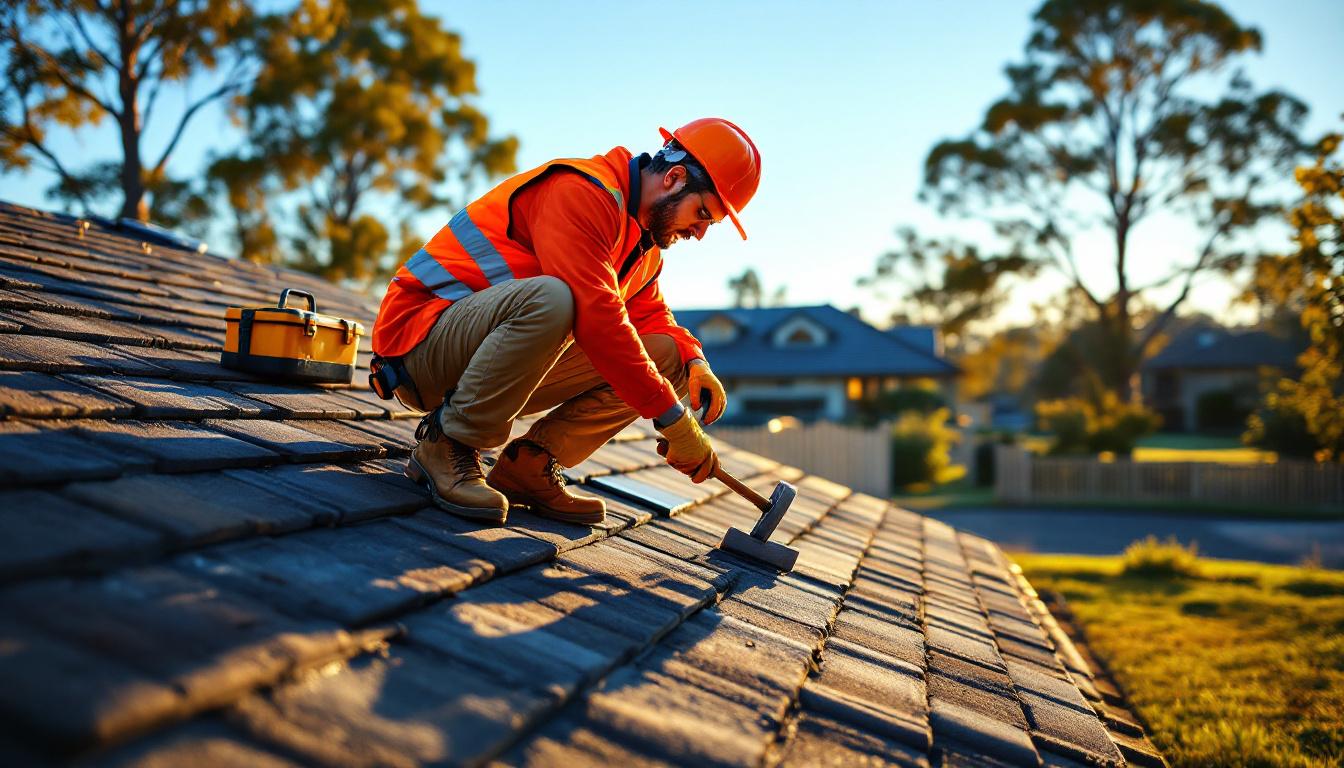
Google Business Profile for Roofers: The Complete Setup Guide for Australian Tradies
If someone's roof is leaking, they're not flipping through the Yellow Pages. They're on Google within minutes, searching for a roofer nearby.
That means your Google Business Profile (GBP) is one of the most important pieces of your business. Get it right and you're getting calls every week from people who found you organically — no ad spend. Get it wrong (or ignore it altogether) and you're invisible when customers need you most.
This guide walks you through exactly how to set up and optimise your GBP as a roofer in Australia.
What Is a Google Business Profile and Why Does It Matter?
Your Google Business Profile is the listing that appears when someone searches for roofers in your area. It shows up in the "Map Pack" — the three businesses displayed with a map at the top of local search results.
Getting into that Map Pack means: - Your phone number is visible before anyone even clicks a website - Customers can see your reviews, photos, and service areas at a glance - You appear when people search from their mobile on a job site or at home
For roofing businesses, where most customers are emergency-driven (a storm just hit, a leak appeared overnight), being in the Map Pack is the difference between a busy week and a quiet one.
Step 1: Claim and Verify Your Listing
Go to business.google.com and search for your business. If it already exists (Google sometimes auto-creates listings), claim it. If it doesn't, create it.
Verification usually happens via a postcard sent to your business address, a phone call, or (increasingly) via video verification. This can take a few days — start now.
If you operate as a service-area business (which most roofers do — you go to the customer, not the other way around), you don't need to display your home address. Select "I deliver goods and services to my customers" and set your service area by suburbs or radius.
Step 2: Choose the Right Category
Your primary category should be "Roofing Contractor". Don't select anything else as your primary.
As secondary categories, you can add: - "Gutter Cleaning Service" (if you offer it) - "Waterproofing Service" - "Skylight Contractor" - "Gutter Contractor"
Getting your primary category right is crucial. Roofing businesses that accidentally set their primary category as "Construction Company" get far less visibility for roofing-specific searches.
Step 3: Fill In Every Single Field
Most roofers leave their GBP half-complete. That's a ranking disadvantage. Google rewards completeness.
Go through every field:
Business name: Use your real trading name — don't stuff keywords like "Sydney Roof Repair Expert Plumber 24hr". Google will penalise keyword stuffing.
Phone number: Your main mobile or office number. Make sure it matches what's on your website.
Website: Link to your homepage. If you have suburb-specific landing pages, consider linking to the most relevant one.
Hours: Set accurate hours. If you offer emergency after-hours service, use the "More hours" feature to list emergency hours separately.
Description: 750 characters max. Write naturally about your services, areas you cover, and what makes you different. Include keywords like "roofing contractor", "roof repairs", "metal roofing", "tile roofing", and relevant suburb names.
Services: Add every service individually — roof repairs, re-roofing, guttering, downpipes, skylights, ridge capping, flashing repairs, valley repairs, and so on. The more specific, the better.
Step 4: Upload High-Quality Photos
Photos make your GBP come to life. Listings with photos get significantly more clicks than those without.
What to upload: - Exterior shots of completed jobs — before and after where possible - Team photos — showing your crew in uniform on a job site builds trust - Your branded vehicle — helps local recognition - Close-up quality shots — tile work, ridge capping, guttering installations - Your logo as the profile image
Aim for at least 20 photos initially. Add new ones regularly — Google favours active listings.
A quick tip: name your image files before uploading them. "roof-repair-brisbane-tile-reroofing.jpg" is more descriptive to Google than "IMG_4821.jpg".
Step 5: Build a Review Generation System
Reviews are one of the most powerful ranking factors for Google Maps. More reviews, higher average rating, and recent reviews all push you up.
Here's a simple system that works:
- Finish the job and collect payment
- Within 2 hours, send a text: "Hi [Name], thanks for choosing [Business Name] for your roof today. If you're happy with the work, we'd really appreciate a quick Google review — it means a lot to a small business. Here's the link: [review URL]"
- If they don't review within 3 days, send one follow-up
Most roofers get 20-30% conversion on review requests done this way. That's 2-3 new reviews for every 10 jobs.
Responding to reviews: Respond to every review within 48 hours. Thank positive reviewers by name. For negative reviews, stay calm, acknowledge the issue, and offer to resolve it offline. Future customers read how you handle complaints as much as they read the complaints themselves.
Step 6: Post Regular Updates
GBP lets you post updates, offers, and photos — similar to a social media post. Many roofers don't use this feature at all, which is an advantage for you.
Post once a week. Ideas: - A photo of a completed re-roof with a brief description - A seasonal tip ("Storm season starting — get your roof inspected before the wet season") - A special offer ("Free gutter clean with any roof repair this month") - A customer testimonial
These posts stay visible for 7 days and show Google your listing is active.
Step 7: Add Q&A to Your Profile
The Q&A section of your GBP lets customers ask questions — and you can also add your own common questions and answers. This is a direct GEO (Generative Engine Optimisation) opportunity.
Add questions like: - "Do you provide free roof repair quotes?" - "What areas do you service?" - "How quickly can you respond to emergency roof leaks?" - "Are you licensed and insured in [your state]?"
Write thorough, helpful answers. This content can be pulled into AI-generated search summaries and featured snippets.
Frequently Asked Questions
How long until my Google Business Profile starts ranking? New listings typically take 4-12 weeks to rank competitively. If you have no reviews yet, focus on getting your first 10-15 as quickly as possible — this speeds things up significantly.
Do I need to pay for Google Business Profile? No, it's completely free. There are optional paid features like Google Ads, but the organic listing itself costs nothing.
My competitor has fake reviews — what can I do? Flag suspicious reviews using the "Flag as inappropriate" option in your GBP dashboard. You can also contact Google Business Profile support. In the meantime, the best response is to build your own genuine review volume.
Should I use my home address or hide it? If you work from home, hide your address and set yourself as a service-area business. Most customers don't care where your office is — they want to know you service their suburb.
Can I have multiple locations on one GBP? Each location needs its own GBP listing. If you have a main office and a satellite yard, you can create two separate listings — but each needs to be a genuine physical location.


