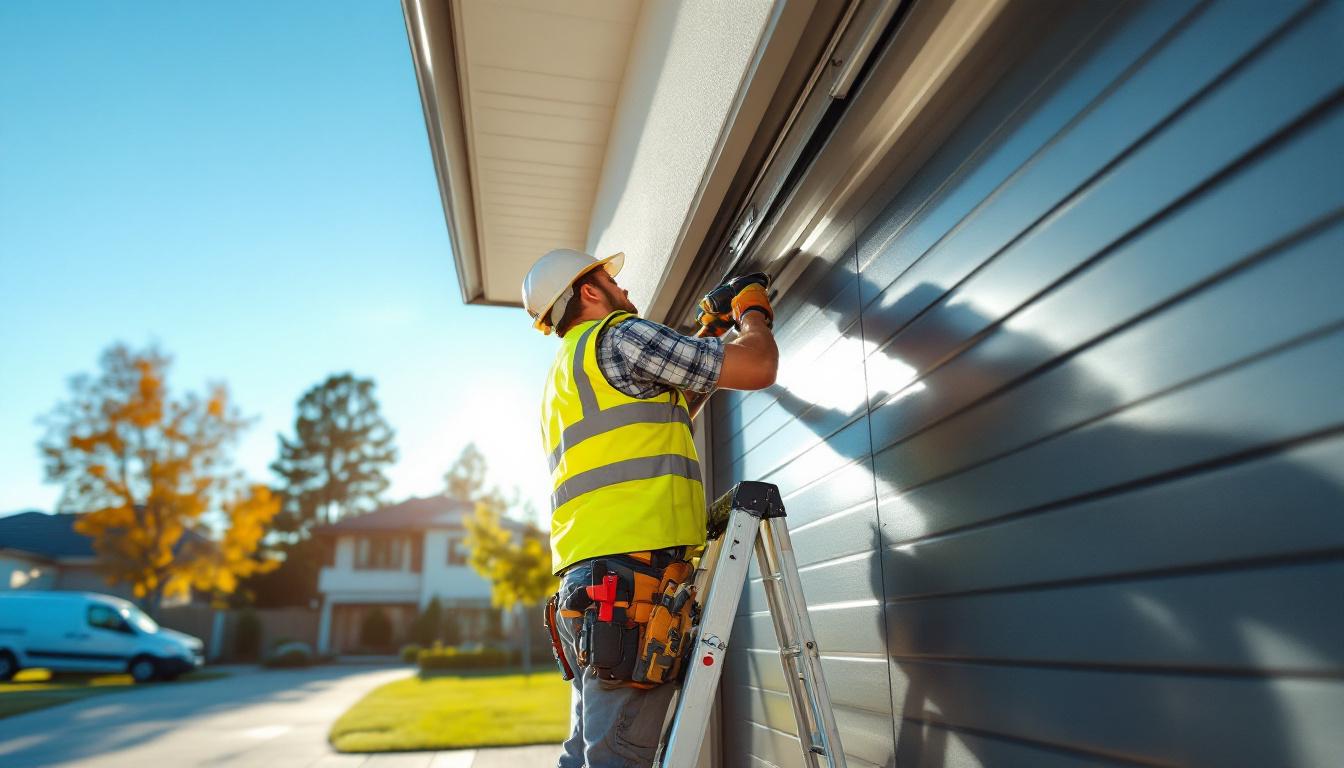
CRM for Garage Door Installers: Stop Losing Leads and Win More Installation Jobs
Garage door installation and repair is a competitive trade in most Australian markets. When a homeowner's garage door fails or they're building a new home and need a door installed, they search Google and call the first business that looks reputable.
If you miss that call, you've lost the job. If you take 2 days to respond to a web enquiry, someone faster got there first.
A CRM helps garage door installers respond faster, follow up consistently, and present more professionally — so you win more of the enquiries you're already getting.
The Garage Door Lead Window Is Short
Emergency calls — a door that won't open, a broken spring, a motor that died — are the most time-sensitive. The customer needs the door working today or tomorrow. They'll call 3-5 operators and go with whoever answers and commits to a timeframe.
For emergency repairs, the competitive advantage is pure responsiveness: - Answer your phone (or respond within minutes if you miss a call) - Give an honest timeframe on the spot - Confirm the booking with a message so they don't keep calling
A CRM with missed call text-back handles the "didn't answer" situation: within 60 seconds of a missed call, the customer receives: "Hi, this is [Business Name]. We missed your call — we'll call you back within 15 minutes. For urgent repairs, reply URGENT and we'll prioritise."
This keeps the lead warm while you're on a job. Without it, that customer has moved on before you've finished your current installation.
New Installation Lead Management
New garage door installations have a longer sales cycle. A new home builder or homeowner planning a renovation will get 2-3 quotes, consider their options (panel lift, roller, sectional, automatic, manual), and decide based on price, quality of advice, and professional presentation.
Your CRM manages this sales process:
Quote tracking: Every quote you send is logged. You can see when it was opened. You get a reminder when a quote hasn't received a response in 3 days.
Automated follow-up sequence: - Day 3: "Hi [Name], just following in on the garage door quote I sent. Happy to walk you through the different options or answer any questions." - Day 8: "Hi [Name], just checking in — we're booking installations for [month] now. Happy to hold a spot if you're leaning toward going ahead." - Day 15: "Final follow-up from me on your garage door quote — valid for another 2 weeks. Happy to help when the timing's right."
This sequence runs without you needing to remember. Quotes that would have been lost to silence get a second chance.
Customer Communication: Reduce No-Shows and Access Issues
Garage door jobs require access to the property — the customer needs to be home or provide access. No-shows and access issues waste your time and disrupt your schedule.
Automated appointment confirmations and reminders significantly reduce this problem:
24 hours before the job: "Hi [Name], just a reminder that [Your Name] from [Business Name] will be at your property tomorrow between [time]. If this time no longer works, please let us know at [number] or reply to this message."
2 hours before the job: "Hi [Name], we're on our way! Estimated arrival: [time]. Please ensure someone is home or the property is accessible."
These messages take 10 minutes to set up in your CRM and eliminate most no-show and access issues automatically.
Building Your Google Reviews as a Garage Door Installer
Garage door businesses with strong Google reviews win significantly more local search traffic than those without. Most potential customers scan the Map Pack, see the star ratings, and call the best-reviewed option first.
Set up an automatic review request 2 hours after every completed job:
"Hi [Name], thanks for choosing [Business Name] today. If you're happy with the new door/repair, a quick Google review means a lot to us: [link]. Takes about a minute and helps other customers find us."
For emergency repair customers who've had a stressful day resolved, the satisfaction is high and they're often willing to take 60 seconds to review. For new installation customers who are showing off their new door, the pride translates to a detailed positive review.
Target 50+ reviews with a 4.8+ rating to compete in your local market.
Tracking Which Products and Services Are Most Profitable
Not all garage door work is equally profitable. Roller door installations might be quicker and more margin-friendly than sectional panel lifts. Commercial door work might have different margins from residential.
A CRM with job type tagging and revenue reporting shows you: - Which job types have the highest average value - Which lead sources deliver your most profitable enquiries - Which suburbs or areas are most active for your business
This data guides your marketing investment. If roller door installations from Google Maps enquiries consistently have the best margin, you know where to focus your SEO and Google Ads.
Frequently Asked Questions
What's the most important CRM feature for a garage door business? Missed call text-back and quote follow-up automation. These two features directly address the two biggest revenue leaks in garage door businesses: missed emergency calls and unconverted quotes.
How do I handle after-hours garage door emergencies in my CRM? Configure your missed call text-back to run 24/7 with different messaging for after-hours: "Hi, it's [Business Name]. We missed your call — for after-hours emergency repairs, reply URGENT and we'll get back to you within 30 minutes. For non-urgent enquiries, we'll call you first thing in the morning." Then have a genuine after-hours protocol in place.
Should I use a CRM or a dedicated garage door industry software? Industry-specific software (like Jobox or GarageSmart) often has product catalogues, parts management, and warranty tracking built in. A trade CRM focuses on customer relationships, marketing automation, and lead management. Many garage door businesses use both — a CRM for sales and customer communication, industry software for job costing and parts management.
How do I get more commercial garage door work through a CRM? Set up a dedicated pipeline for commercial leads — these have longer sales cycles and different decision-making processes. Commercial prospects (industrial facilities, warehouses, commercial property managers) should receive different follow-up cadences and more formal quote documents than residential customers.
Can a CRM help me upsell motor and remote upgrades to existing customers? Yes. Tag customers by door age and motor type. Run a campaign to customers with older manual doors or aging motors: "Hi [Name], your garage door is now [X] years old — if you haven't upgraded to an automatic opener, now's a great time. We're running a special on [brand] motors this month." This turns your customer database into a consistent upsell channel.


